Yes, you can run a small school in Excel: a student register, a monthly fee sheet, an attendance sheet and a marks sheet will work for one campus with a careful office clerk. A school management system in Excel starts to fail when arrears, late fines, sibling challans, parent messages and several people editing the same file all arrive at once. This guide shows how to set Excel up properly and how to tell when it is time to move.
Excel is already on the office computer and the clerk knows it. The trouble is not Excel itself but the jobs schools ask it to do every month.
How do you set up school management in Excel?
Set up one workbook with separate sheets for students, fee heads, monthly fee bills, payments, attendance and marks, and link them by a single registration number. Every other sheet looks students up by that number, so a name typed two ways never splits one child into two records.
A layout that holds up for a single campus:
| Sheet | One row per | Key columns |
|---|---|---|
| Students | student | Reg no, name, class, section, father's name, father's CNIC, mobile, status |
| Fee heads | fee head per class | Class, tuition, admission, exam, transport, other |
| Fee bills | student per month | Reg no, month, amount due, due date, late fine, arrears |
| Payments | payment | Reg no, month, amount paid, date, receipt no, account (cash, bank) |
| Attendance | student per day | Reg no, date, status (P, A, L, Leave) |
| Marks | student per subject per exam | Reg no, exam, subject, marks, total |
Three Excel features do most of the work:
- Data validation lists, so class, month and attendance status can only be picked, not typed.
- SUMIFS, which totals values only where every condition is met. Microsoft's reference gives the form
SUMIFS(sum_range, criteria_range1, criteria1, ...), so one formula can give "paid by reg no 1043 for November". - Tables and filters, so the defaulter list is a filter on "balance greater than zero" rather than a list someone retypes.
Keep payments in their own sheet, one row per payment. Schools that write "paid" in the fee bill row lose part payments and cannot later show which receipt covered which month.
Put the father's CNIC on every student row from the first day. It is the simplest way to find siblings for a family challan, and it is the field most schools wish they had when they later import their data into software.
What do free school Excel templates cover?
Free templates cover single jobs well, but none of the ones we checked joins fees, attendance and results into one record. ExcelDataPro, one of the sites that ranks for this search, lists 12 free school templates such as a fee collection system, a teacher attendance register, a fee reminder and a progress report.
Its Student Fee Collection System handles 30 classes with up to 60 students per class. You enter each class's total fee and record payments against roll numbers, and a pending sheet updates by itself. It has no due dates, late fines, arrears or family challans. It is also written around Indian school terms (divisions, the ₹ sign), so a Pakistani school has to rework it for monthly vouchers.
Paid Excel builds from freelancers on Fiverr and Upwork go further, often with macros. They solve the layout problem but not the sharing problem below, and the school depends on one freelancer to fix the file when a formula breaks.
Where does Excel break down for a school?
Excel breaks down in four places: fee arithmetic, sharing the file, parent communication and control over who changes what. None of these shows up in the first month. They show up in the sixth, when the file has grown and two people have edited it.
Fee arithmetic
A Pakistani fee bill is rarely one number. It is this month's fee, plus unpaid arrears, plus a late fine if paid after the due date, minus any discount, sometimes on a family challan that covers three children. Each of these is a formula someone has to copy down correctly every month. One row copied wrongly gives a parent the wrong amount, and nobody notices until they argue at the counter.
Rules from regulators add to this. In Sindh, the 2026-27 rules require schools to issue separate fee vouchers for each month (ARY News, 23 April 2026). In Islamabad, PEIRA has told schools not to charge more than one month's fee in advance. A spreadsheet can follow these rules, but only if the person filling it knows them. Our guide to private school fee rules in Pakistan covers each province.
Sharing the file
Excel was not built for an office where the fee clerk, the principal and the accountant all need the same file. A workbook is only editable by several people at once when it is saved in OneDrive or SharePoint and everyone uses a current Microsoft 365 version of Excel. Most school offices instead email copies or pass a USB drive, and end up with "Fees FINAL (2).xlsx" and "Fees FINAL new.xlsx", each with different payments in it.
Size is rarely the limit. A worksheet holds 1,048,576 rows by 16,384 columns, far more than a school needs. Files slow down because of heavy formulas copied over thousands of rows, not because the sheet is full.
Parent communication
Excel cannot tell a parent their child was absent today or that a fee is overdue. The clerk has to filter a list, copy numbers and send messages by hand, which is why most Excel schools send reminders late or not at all.
Control and history
Anyone who opens the file can change last month's payment. Excel does not record who typed what, so when a receipt and the sheet disagree there is no trail to check. This matters more as staff change: the school's records are only as reliable as the last person who edited them.
What are the signs it is time to move from Excel to software?
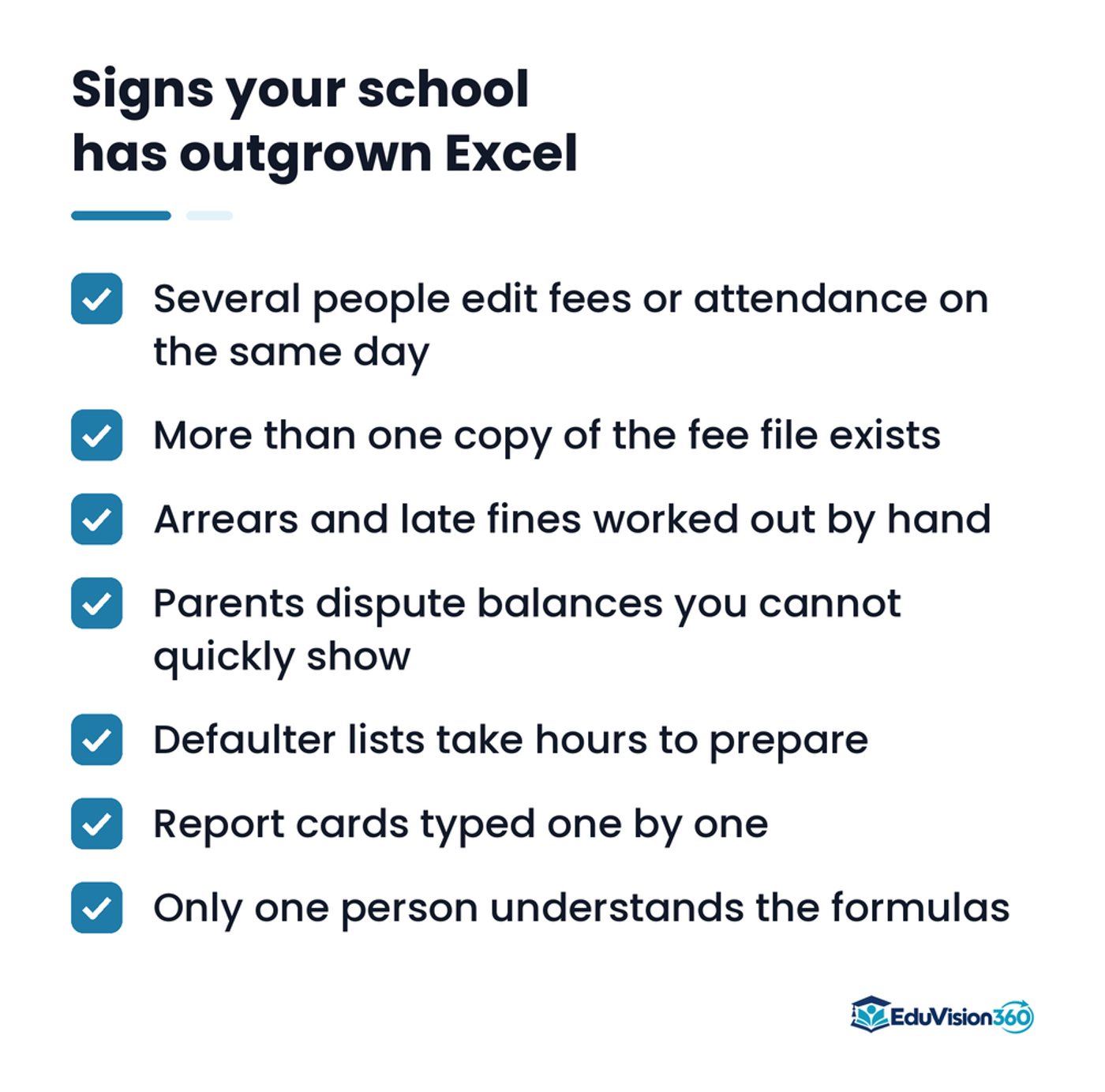
It is time to move when the office spends more time fixing the sheet than using it. Check your school against this list; three or more usually means Excel is costing you more than it saves.
- More than one person needs to enter fees or attendance on the same day.
- There is more than one copy of the fee file and nobody is sure which is correct.
- Arrears and late fines are worked out by hand on a calculator before printing challans.
- Parents dispute balances and the office cannot show the payment history quickly.
- Defaulter reminders go out late because the list takes hours to prepare.
- Report cards are typed one by one from the marks sheet.
- The file depends on one person who understands the formulas.
Excel or school management software: how do they compare?
Excel wins on cost and familiarity; software wins once fees, attendance and parents have to stay in step every day. This table compares the jobs a typical private school does each month.
| Job | Excel | School management software |
|---|---|---|
| Monthly fee bills | Formulas copied per month | Generated for a class or whole school |
| Arrears and late fine | Worked out by hand or formula | Carried forward and added automatically |
| Sibling (family) challan | Manual grouping | Grouped by parent CNIC |
| Defaulter list | Filter and retype | Report by class, unpaid or partly paid |
| Absence message to parents | Sent by hand | Automatic, for chosen statuses |
| Several users at once | Needs Microsoft 365 and OneDrive | Separate logins with page-level access |
| Report cards | Typed or mail-merged | Generated from entered marks |
For a deeper comparison of systems on the market, see our comparison of school management systems in Pakistan.
How do you move a school from Excel to software?
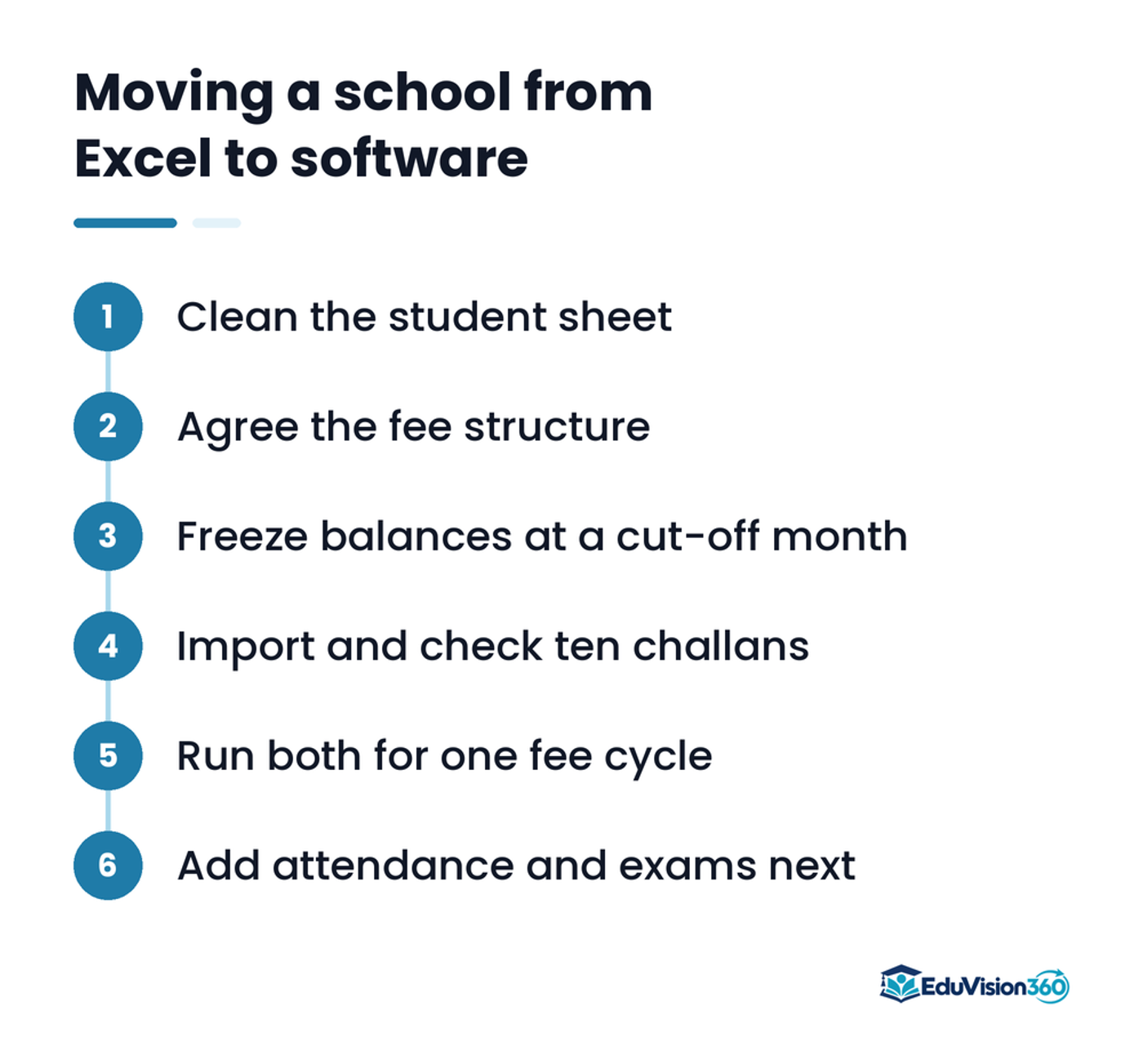
Move in stages over about a month, starting with student records and fees, and keep the Excel file read-only as a backup. A clean move depends far more on tidy data than on the software you pick.
- Clean the student sheet. One row per student, one registration number each, father's CNIC and a working mobile number filled in.
- Agree the fee structure. Write down every fee head per class, the due date, the late fine and each student's agreed discount.
- Freeze the balances. Pick a cut-off month and record each student's unpaid balance on that date as opening arrears.
- Import and check. Load students and balances, then print ten challans and compare them with Excel by hand.
- Run both for one fee cycle. Issue that month's challans from the software and keep Excel only to compare totals.
- Add attendance and exams next. Once fees match, start daily attendance and enter the next term's marks in the software.
Our step-by-step guide to implementing a school management system covers staff training and the first term in more detail.
How does EduVision360 handle what Excel cannot?
EduVision360 is a school management system in Pakistan that keeps admissions, fees, attendance, exams and parent messages in one record per student, with separate logins for office staff, teachers and parents. It was built for the monthly fee cycle Pakistani schools run.
On fees, it generates monthly bills for one student, a class or the whole school. Unpaid balances carry forward as arrears, and the late fine is one flat charge per unpaid month. Each challan shows the amount payable before and after the due date, and prints office, bank and student copies with a barcode. Siblings are grouped by parent CNIC for a family challan. Parents can also pay through 1Bill from their bank's mobile app or internet banking, and the fee is marked paid automatically.
On attendance, teachers mark each class from the portal or the teacher app, and parents get WhatsApp and app alerts for the statuses the school chooses. On exams, marks entry works like a spreadsheet, and a whole column can be pasted from Excel, so teachers who like Excel keep that habit. Reports still export to Excel when the accountant wants them.
Office users get access page by page, so the fee clerk sees fee pages and the principal sees everything. Every plan includes free setup and data import, and pricing starts from Rs 20 per student per month; see the pricing page for plans.
Frequently asked questions
Can a school use Excel instead of a school management system?
Yes, a small single-campus school can run students, fees, attendance and marks in Excel if one careful person maintains it. It becomes risky when several people edit the file, when arrears and late fines must be calculated every month, or when parents need messages about fees and absences.
Is there a free school management system in Excel for Pakistan?
Free templates exist for single jobs such as fee collection or teacher attendance, for example on ExcelDataPro. Those we checked are not built for Pakistani monthly vouchers, late fines or family challans, so schools usually have to rework them or pay a freelancer for a custom build.
How do I make a fee defaulter list in Excel?
Keep payments in their own sheet, then use SUMIFS to total what each registration number has paid for a month. Subtract that from the amount due, and filter the rows where the balance is above zero to get the defaulter list.
Can I import my Excel data into school software?
Most school software imports student records and opening balances from Excel. Clean the sheet first, with one row and one registration number per student, and record each unpaid balance at a fixed cut-off month. EduVision360 includes data import free on every plan.
How long does it take to move from Excel to software?
Plan for about one fee cycle. Import students and balances, issue one month's challans from the software while comparing totals with Excel, then add attendance and exams once the fees match.
Still running your school on Excel and want to see what changes on your own data? Book a free EduVision360 demo or message us on WhatsApp, and bring a copy of your fee sheet.